DSP Toolkits
A DSP toolkit is a complete, self-contained block of signal processing: a graphical panel for configuration, a documented set of functions behind it, and a defined data interface at each end. Insert the toolkit into a document, connect a signal source, and adjust the settings until the output is right — no boilerplate transform, plot or parameter-handling code to write first.
Every toolkit sold here ships in fourteen language editions with an identical feature set, so a design worked out in one language moves to another without being re-specified. The toolkits are grouped by the job they do:
- Toolkit-Based DSP Development
- Filter Design Toolkits
- Spectral Analysis Toolkits
- Signal Generation Toolkits
- Audio and Speech Processing Toolkits
- Data Acquisition and Instrument Toolkits
Three ways to use a toolkit
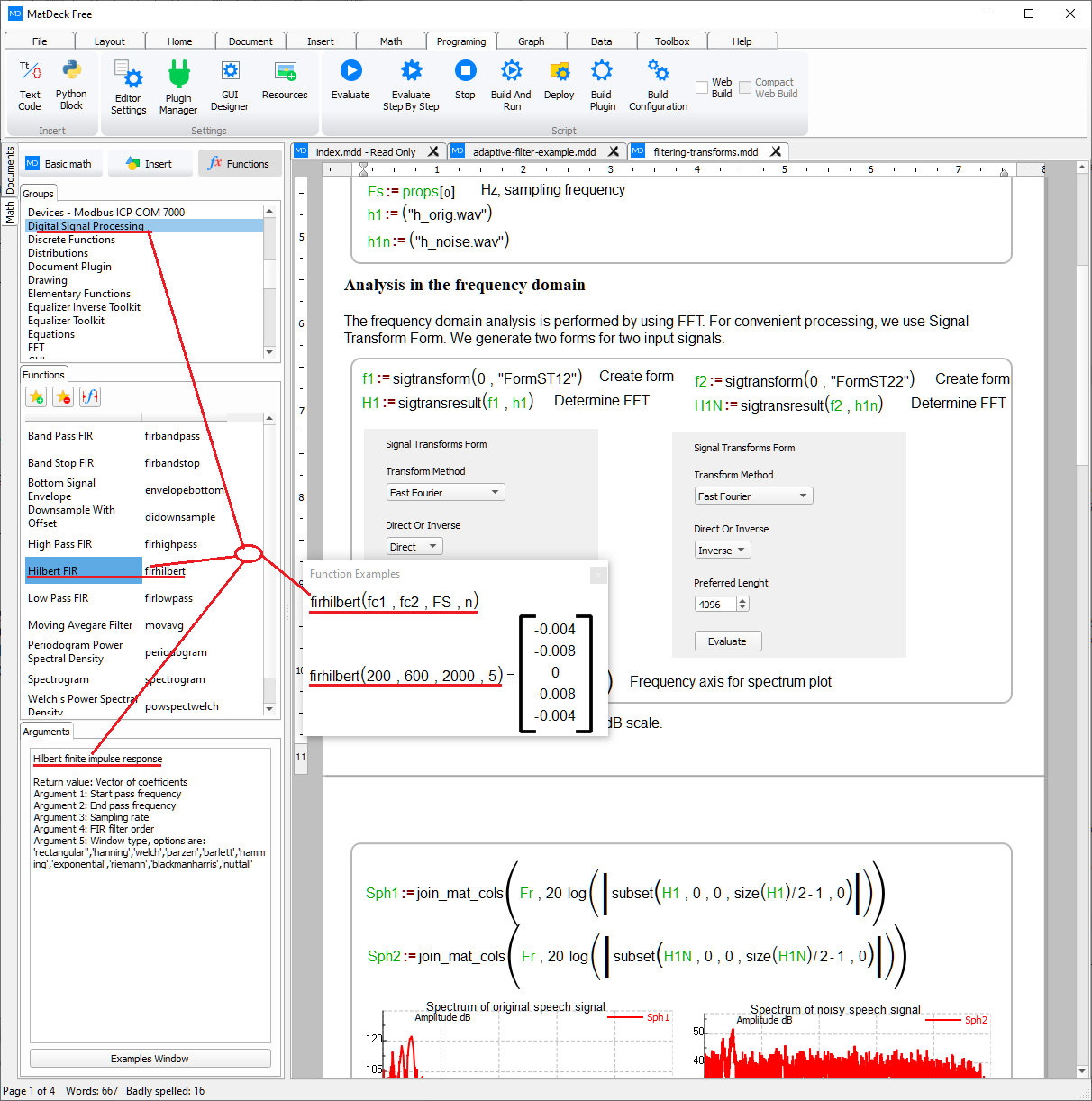
Toolkits are meant to be used at whichever level fits the task. The graphical panel on its own is enough for exploration and one-off measurements. For repeatable work, every panel setting has a matching function call, so a configuration can be exported and driven from a script. For production, those functions are called directly and the panel is left out entirely.
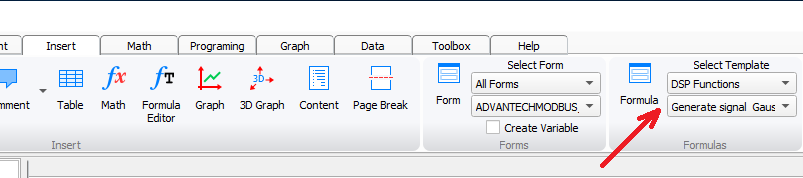
Templates sit between the first two levels: they insert a ready-made block of code for a common task, which is then adjusted rather than written from scratch.
Building a chain
Most projects need three things: a signal source, one processing stage and one display. That maps onto the Signal Generator Toolkit, a processing toolkit such as filter design or adaptive filtering, and the Signal Visualization Toolkit. Hardware capture and embedded deployment are added at the two ends of that chain once the design moves off the desk.
Browse 10 standalone DSP toolkits, each in 14 language editions.